
🔍 Contents:
🌐 iFrame Embedding of Information from Third-Party Systems
With the new layout type “iFrame,” content from external systems (e.g. ERP, MES, BI tools such as Power BI) can now be embedded directly into ValueStreamer. This keeps teams within the meeting context and allows seamless transition to detailed analysis without switching applications.
📸 Screenshot: Teamboard view with embedded external dashboard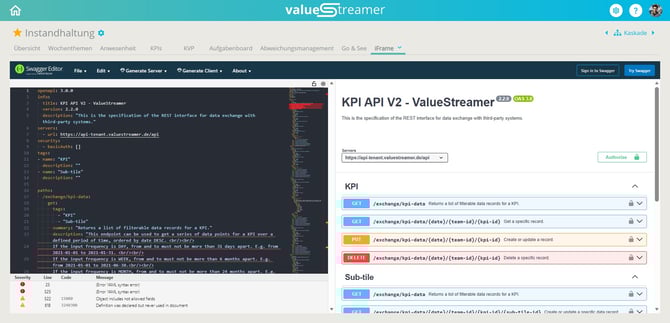
Features at a glance:
-
New view type "iFrame" can be added by team admins
-
View name freely definable
-
Configuration via “Settings” or “+ Add”
-
iFrame content is clickable (e.g. dropdowns, buttons)
-
iFrame utilizes the full available area of the view
-
Scrollbars appear only within the iFrame, not in ValueStreamer
📸 Screenshot: Empty iFrame view without configured URL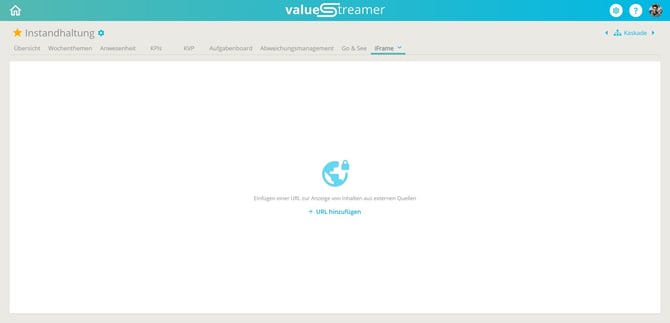
📸 Screenshot: Settings dialog for URL entry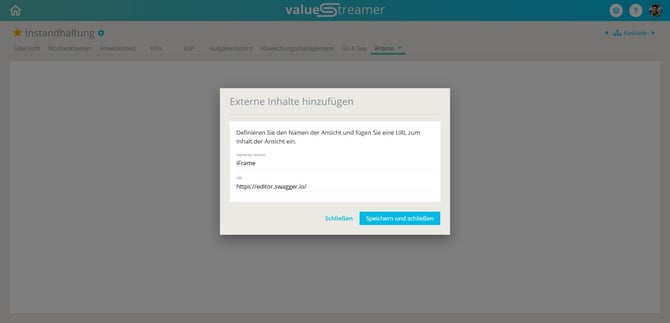
ℹ️ Note: The "iFrame" layout type does not include a right-hand section for deviation management. Linking deviations or actions is currently not possible in this view.
⚠️ Caution: ValueStreamer has no control over:
-
Authentication within the embedded system
-
Displayed error messages or timeouts
These are generated by the browser or the third-party system itself.
ℹ️ Note: Single Sign-On only works if:
-
The embedded system also supports SSO (e.g. SAML / OAuth)
-
The same identity provider is used (e.g. Microsoft Entra ID)
⚠️ Caution: To allow a page to be embedded, it must be technically enabled:
-
X‑Frame‑Options must allow the SaaS domain
-
Content‑Security‑Policy (frame‑ancestors) must be correctly set
✨ Tip: Use iFrame views for production dashboards, quality reports, or Power BI analyses to directly "zoom in" on KPIs during the shopfloor meeting.
👉 Learn more in the article: 📎 iFrame – Embedding Content from Third‑Party Systems
🗂️ T‑Card Board via Extended Planning View
Version 26.0 introduces a complete overhaul of the existing T‑Card logic, fully integrating it into the planning view. Teams can now choose between regular tasks and special T‑Card tasks, which are ideal for recurring process checks.
📸 Screenshot: Planning view with T‑Card and regular tasks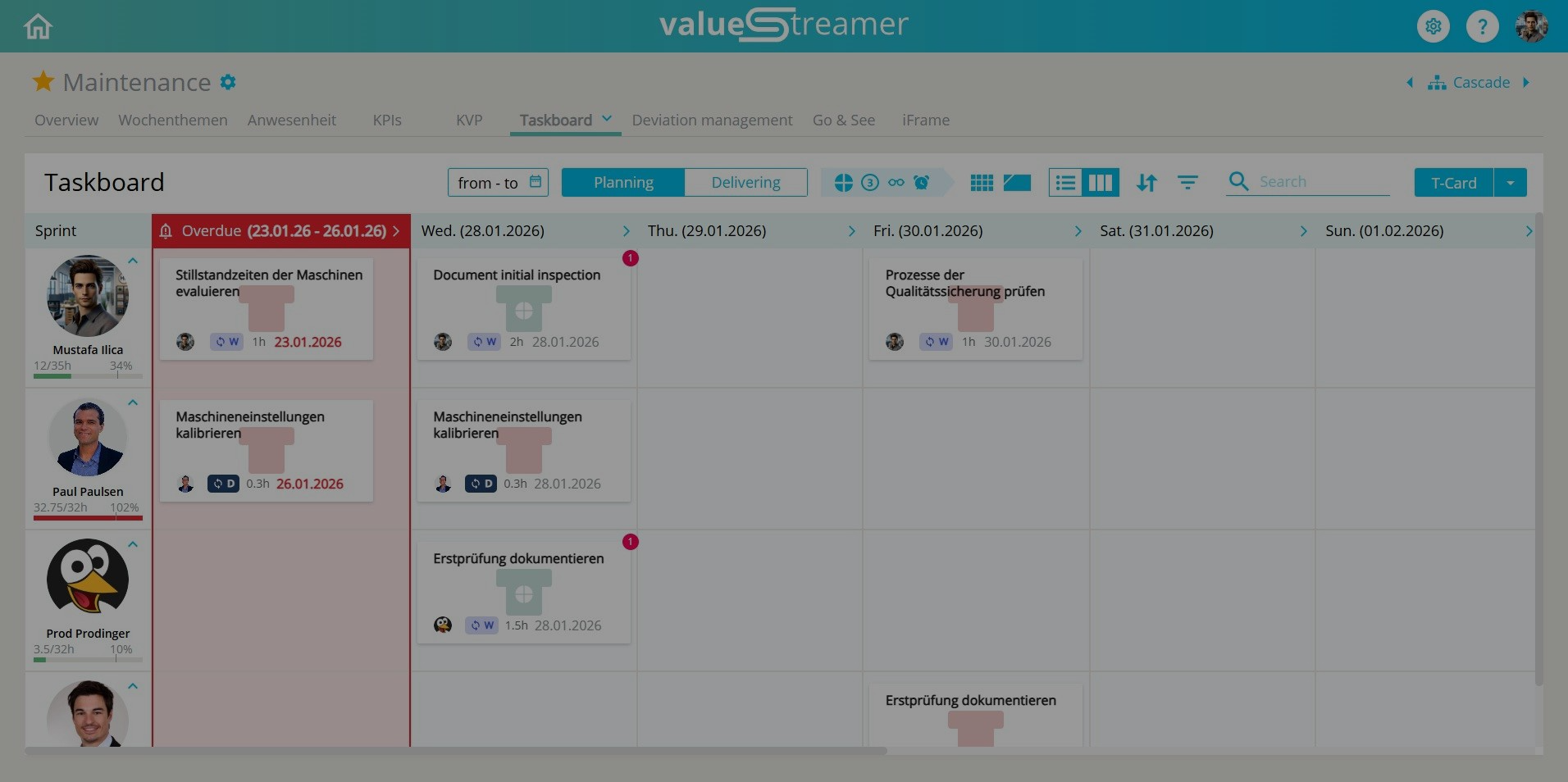
Features at a glance:
-
Two task types: Regular tasks and T‑Cards
-
T‑Cards with recurrence logic (daily / weekly / monthly)
-
Automatic visualization of overdue tasks (“Overdue” column)
-
Support for templates, filters, re-creation, and A3 module
👉 More detailed information in these articles:
🛠️ Settings for Planning View & Editing the T‑Card Board
🗂️ Managing T‑Card Tasks in the Planning View
✅ Implementing Process Confirmation with the T‑Card Board
✨ Tip: Ideal for leadership routines such as process confirmations, safety walkthroughs, shift handovers, or recurring inspection tasks.
🐞 Bug Fixes
As usual, this release includes minor technical adjustments and further improves system stability.
✨ Tip: With every version, we continuously improve the user experience – often imperceptibly, but effectively in daily use.